
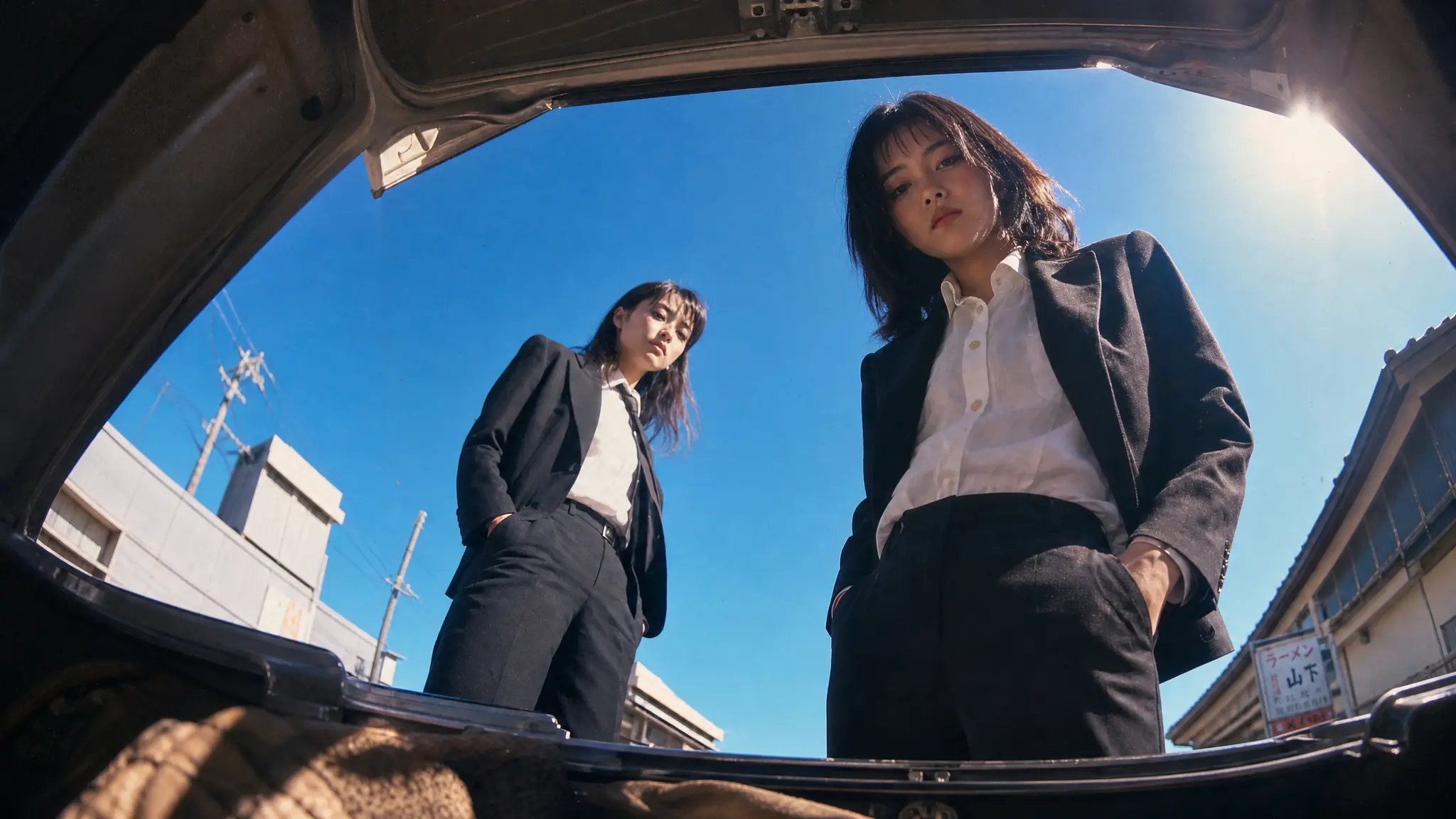
Start with a high-quality source image
Blurry or low-resolution images give the model little to work with, producing soft, unstable motion. Start from a sharp, well-lit image at the highest resolution you have.
Prompt your image into cinematic video. Use the AI image to video generator with every top model in one workspace, and create publish-worthy videos for any topic.
Browse what people are making with the AI image to video generator. Every clip started as a single still and one line of prompt.
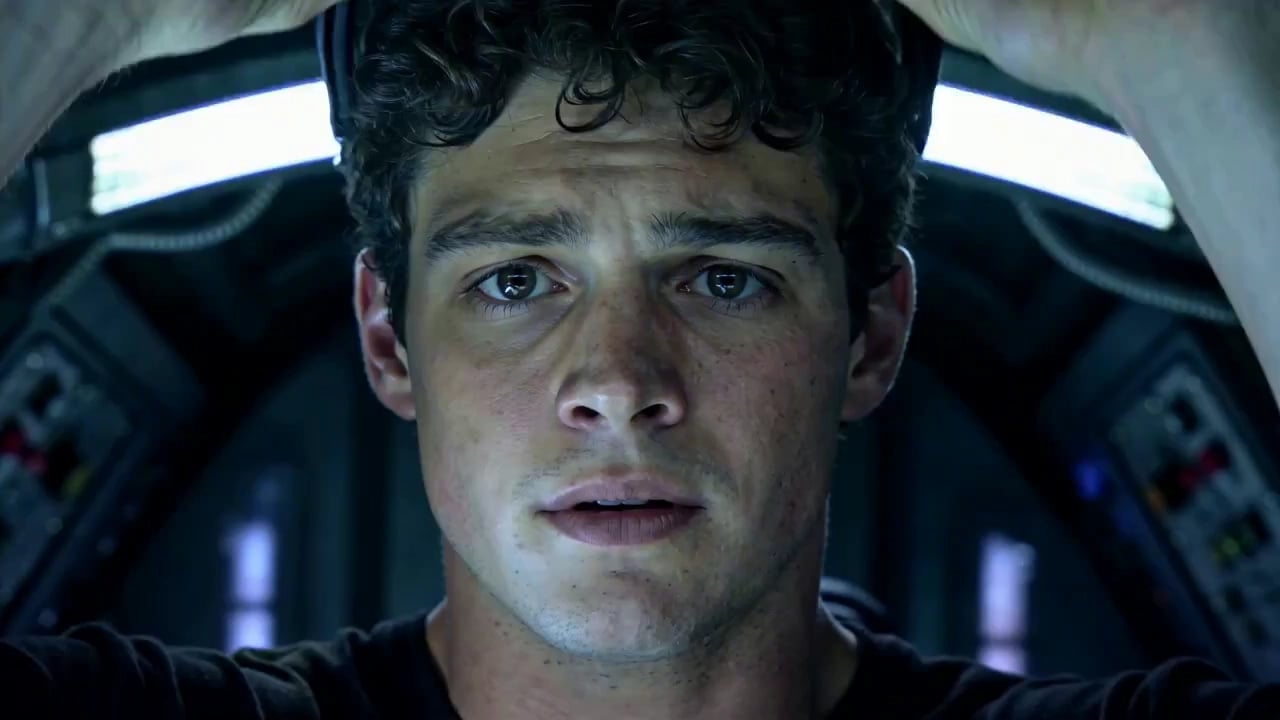
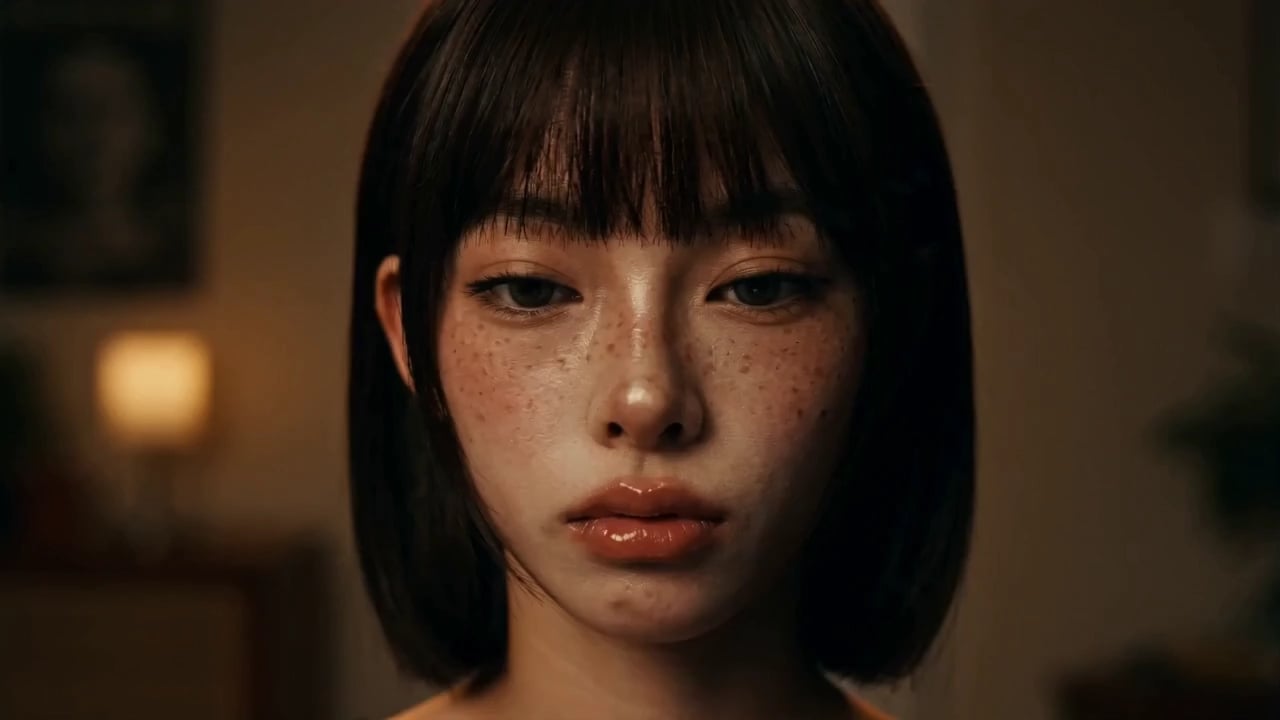
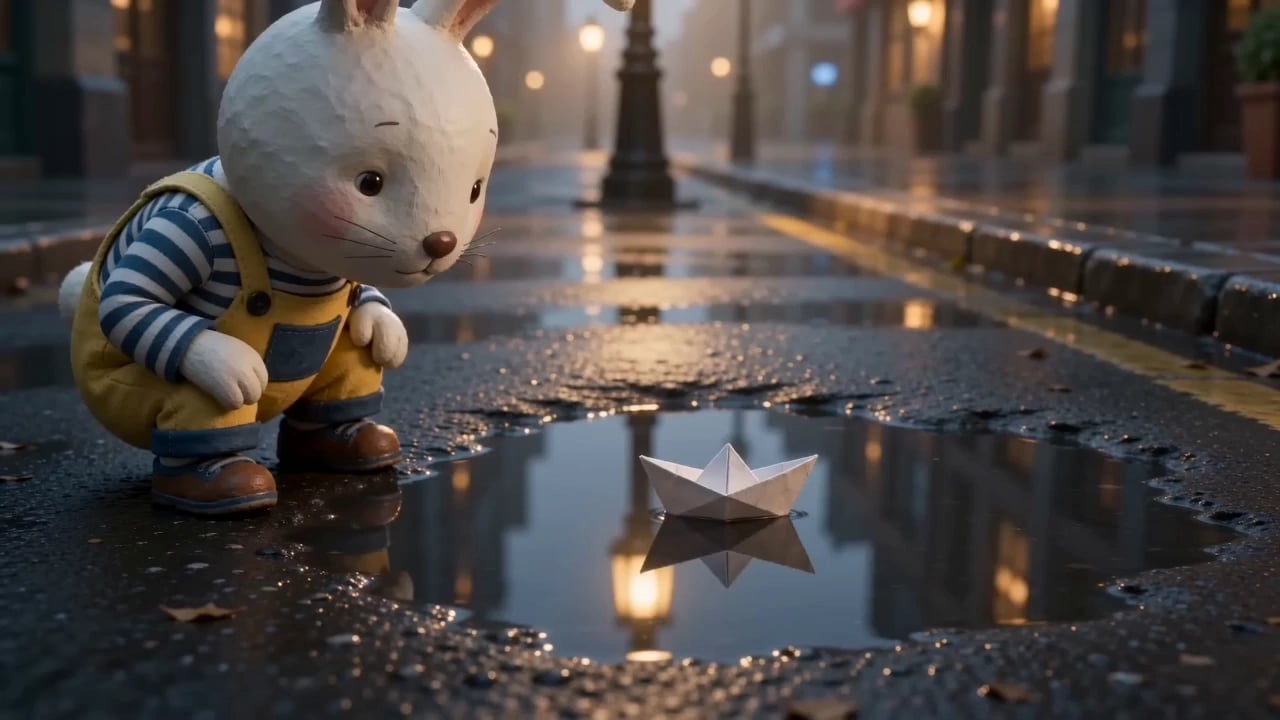
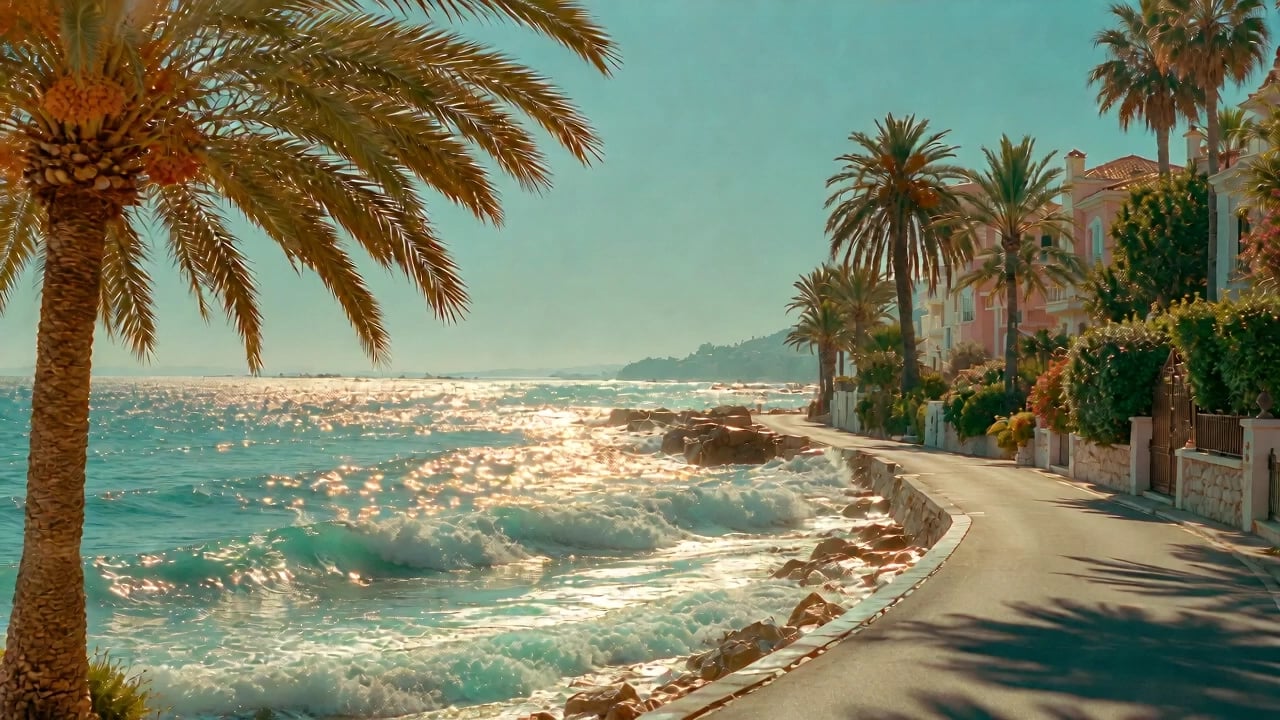
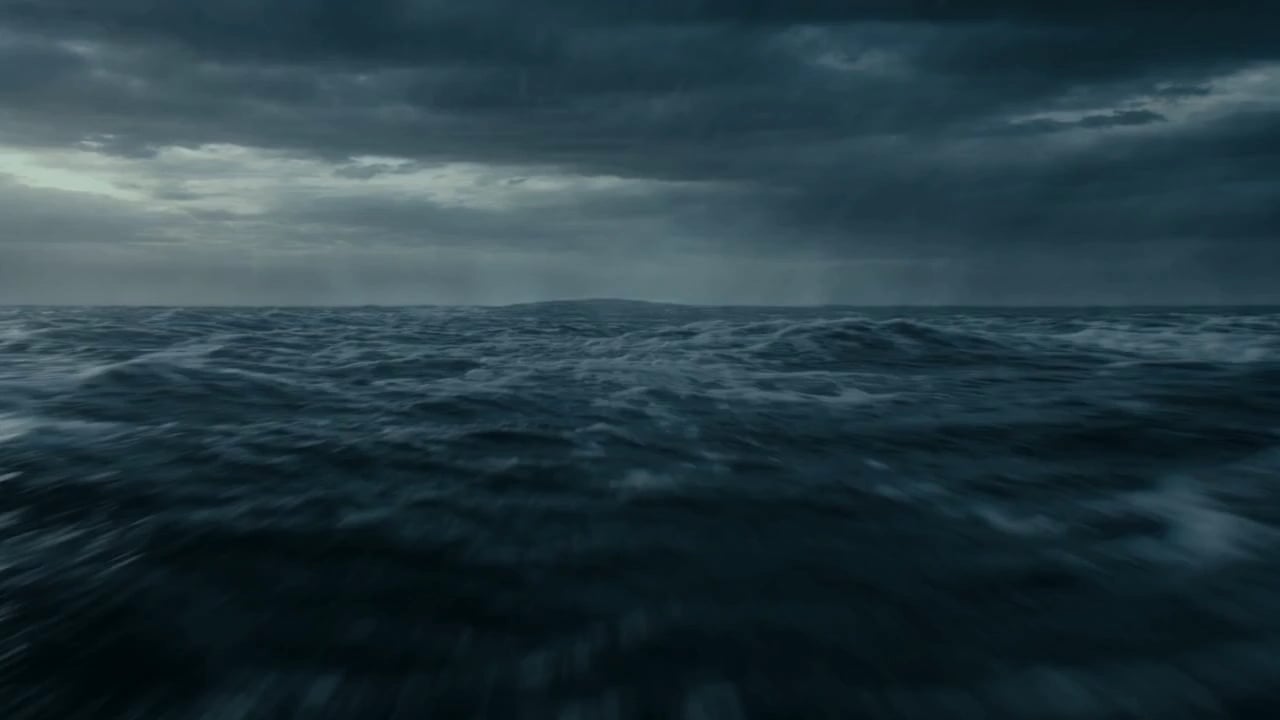
Bring any style to life with the AI image to video generator. It adds the motion and nothing else, so your original look survives the render.
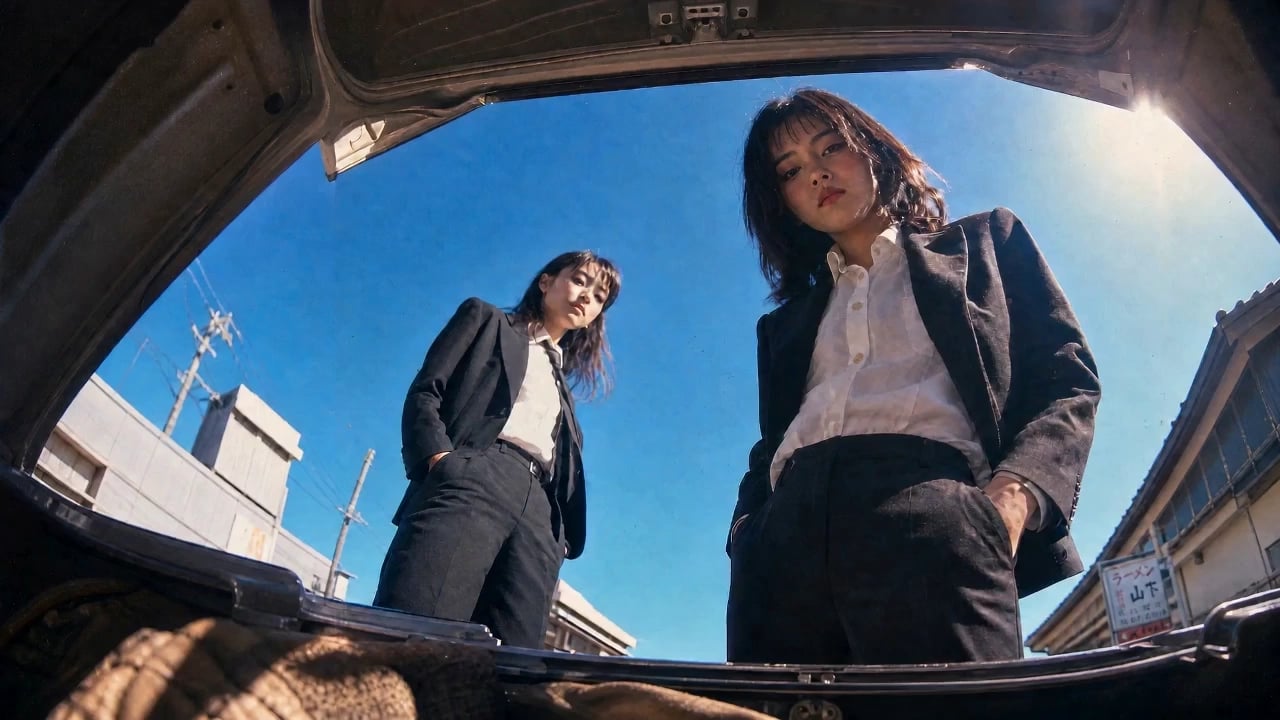
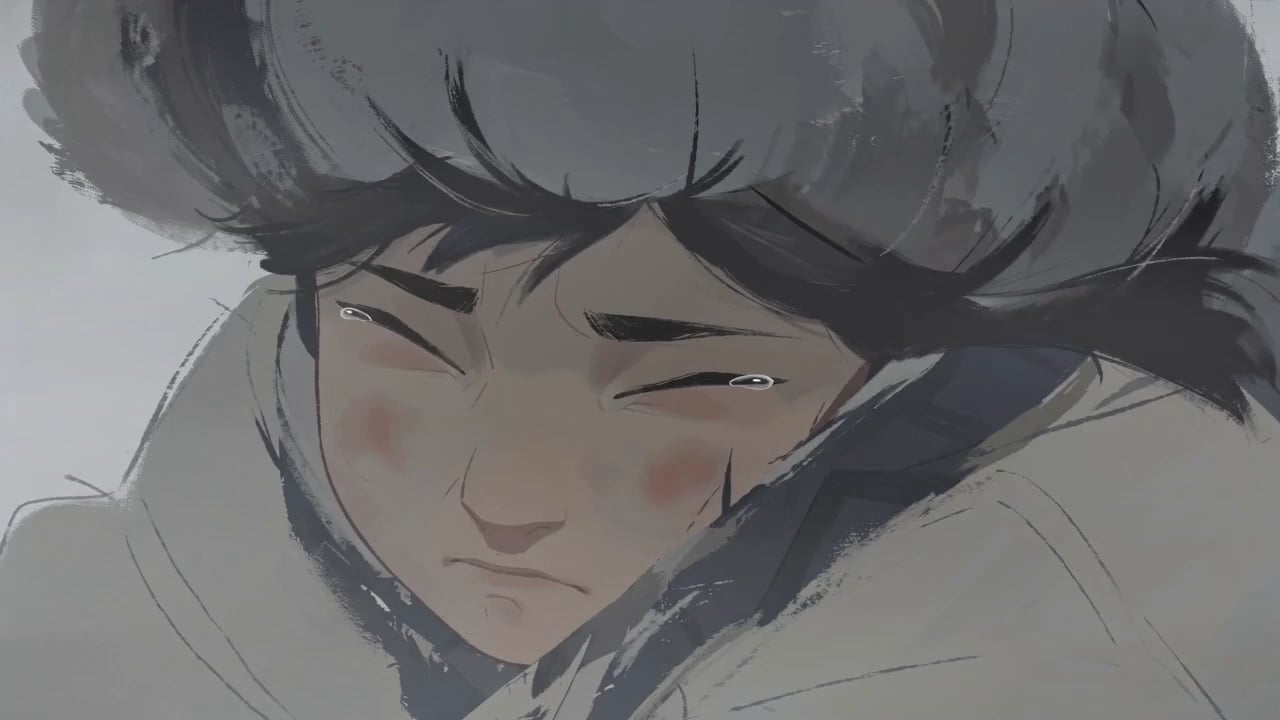
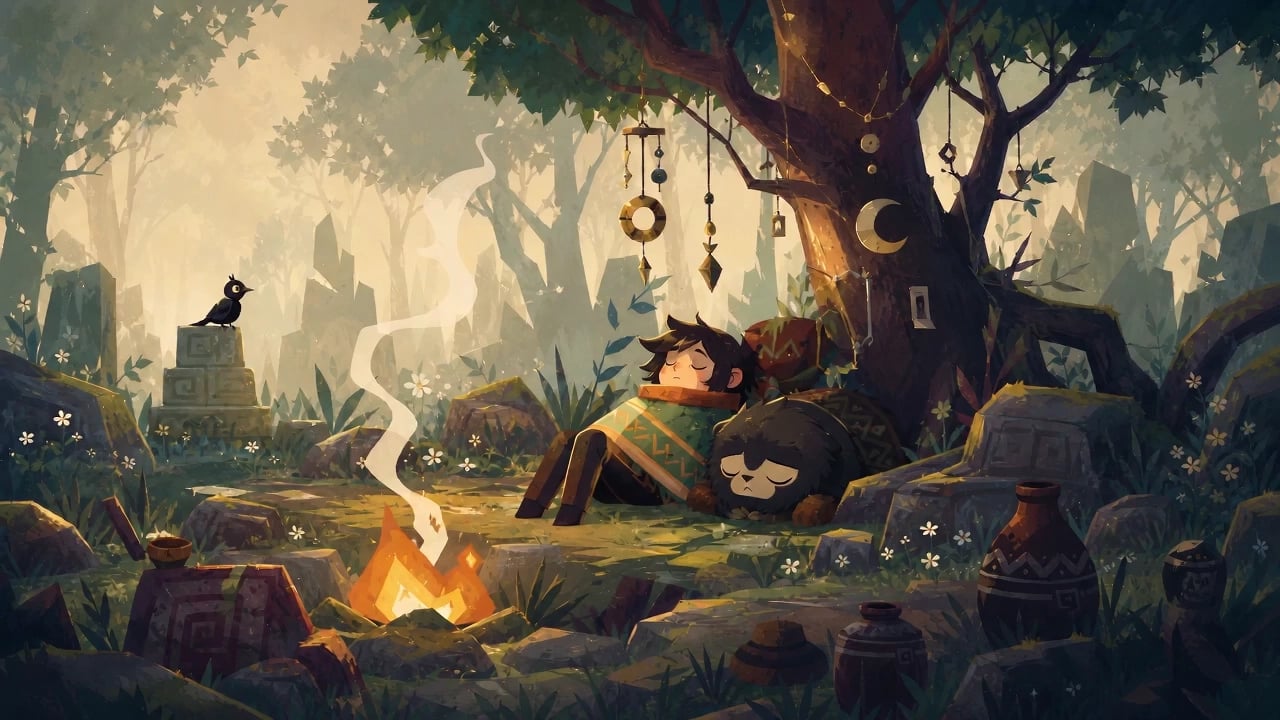
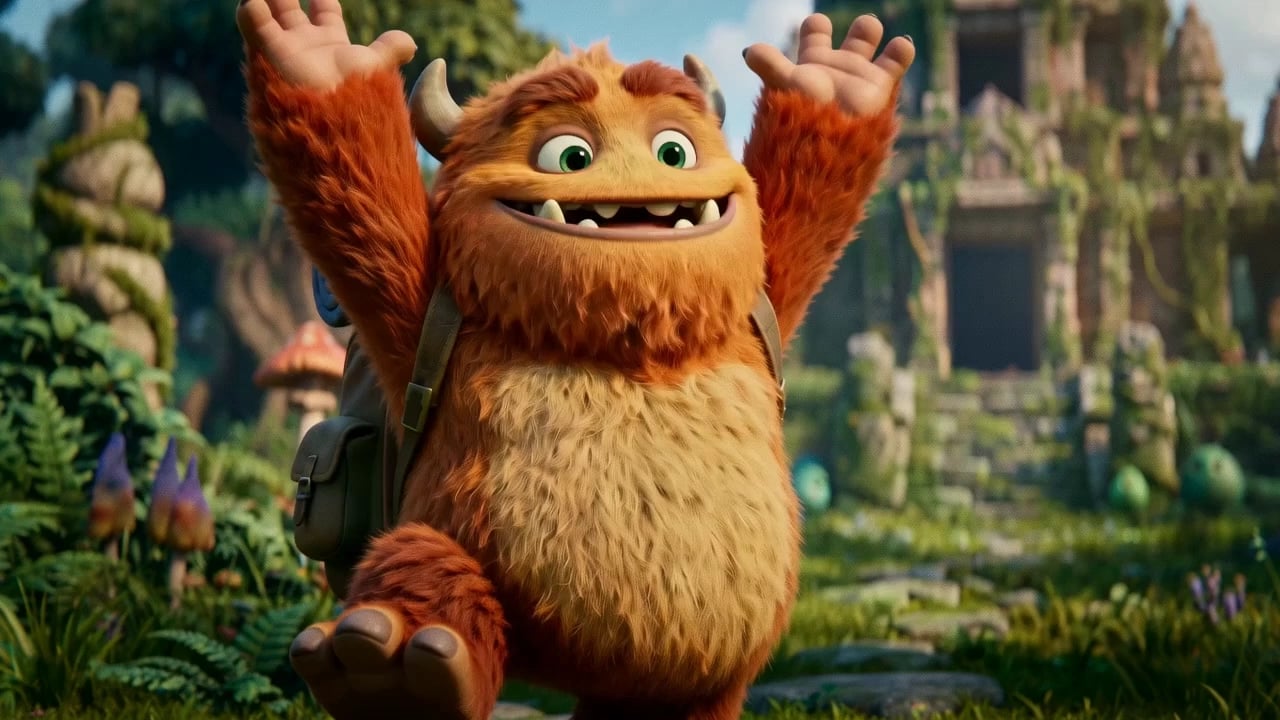
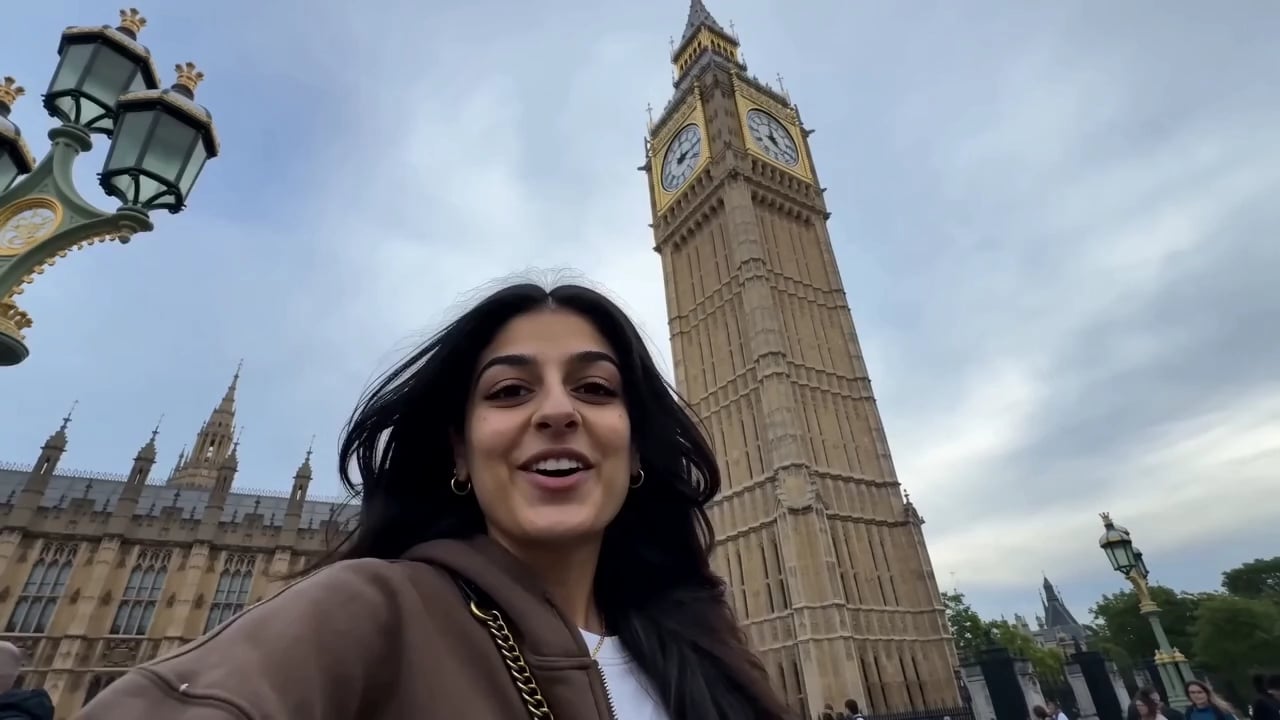
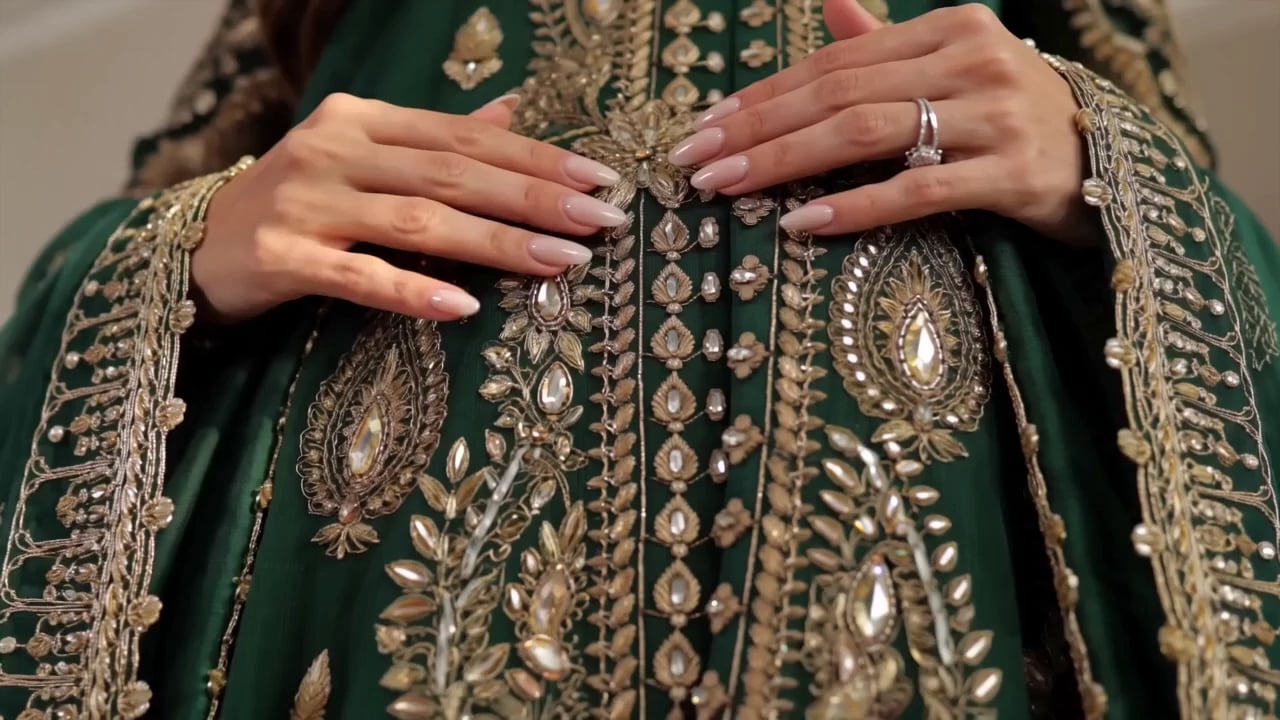
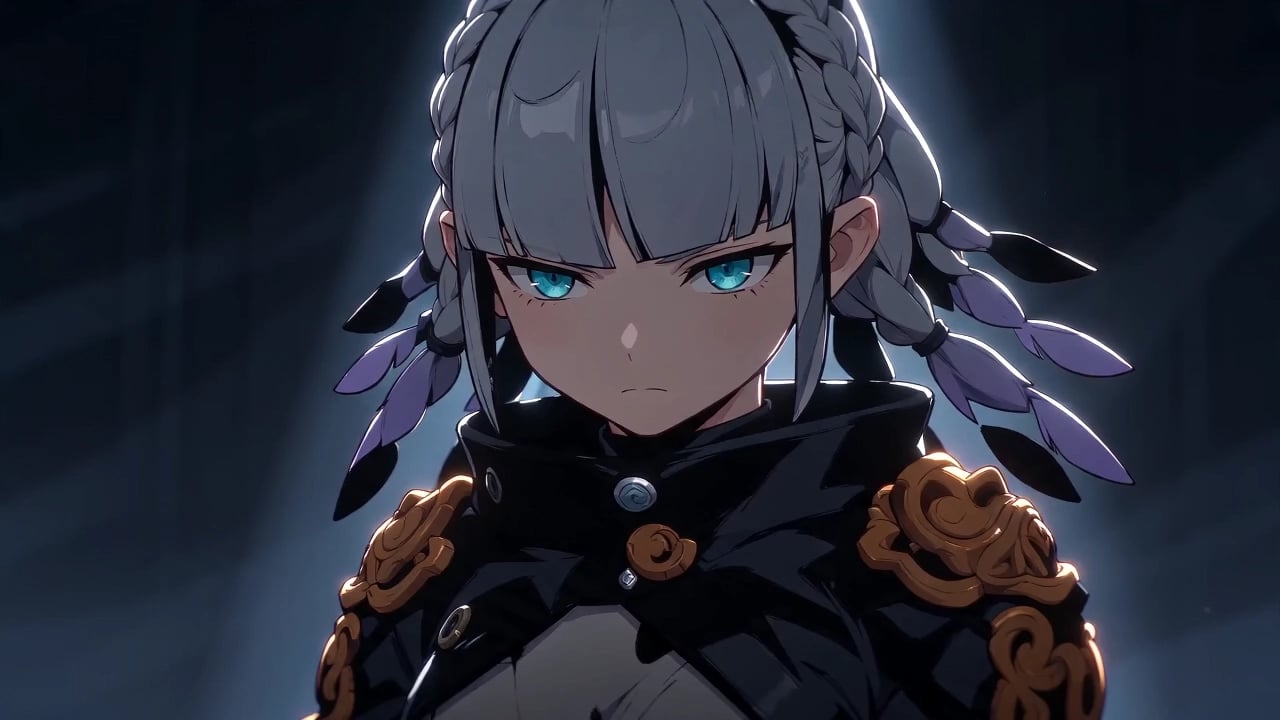
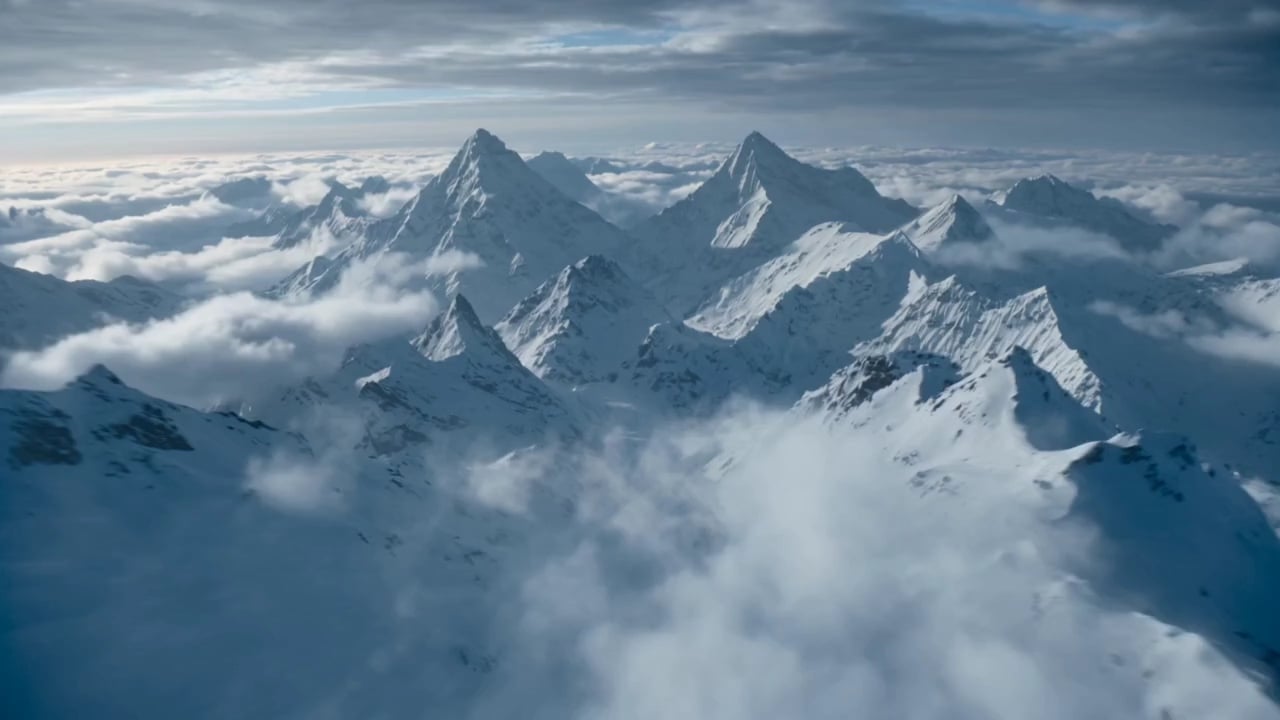
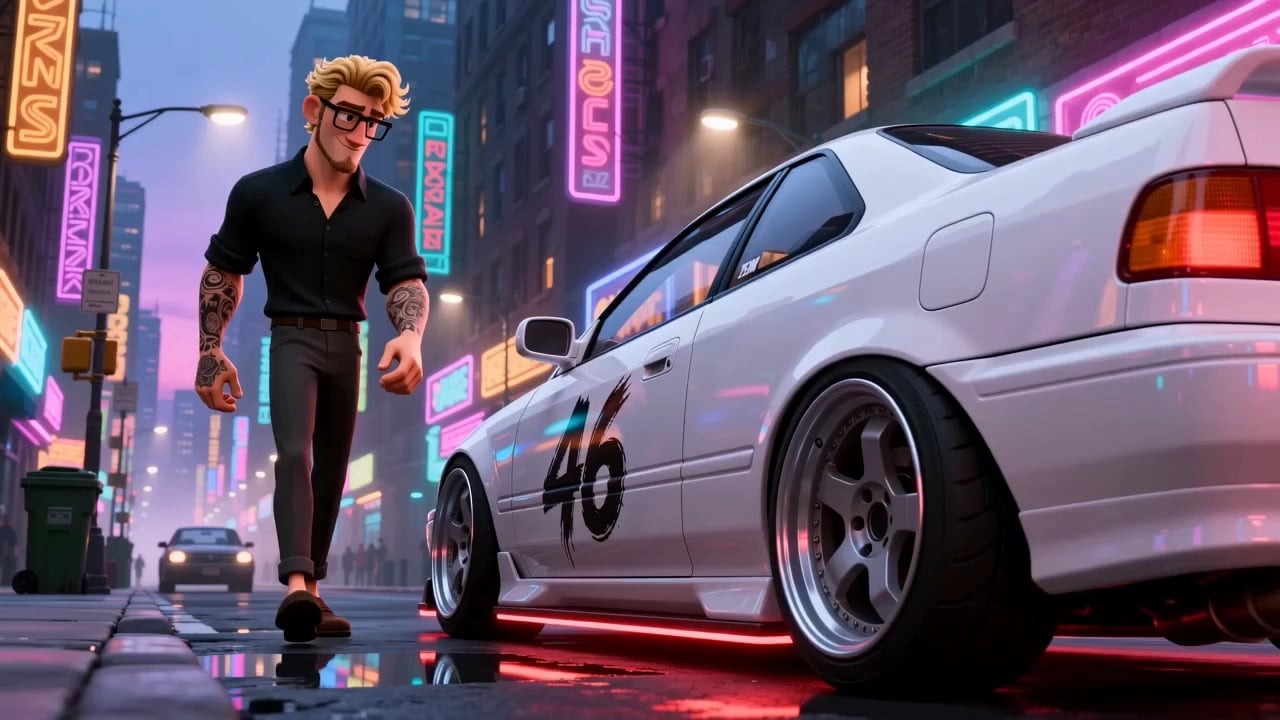
Work the AI image to video generator the way people who use it daily do. A usable clip and a wasted one are mostly decided before you press generate.
Start with a high-quality source image
Blurry or low-resolution images give the model little to work with, producing soft, unstable motion. Start from a sharp, well-lit image at the highest resolution you have.
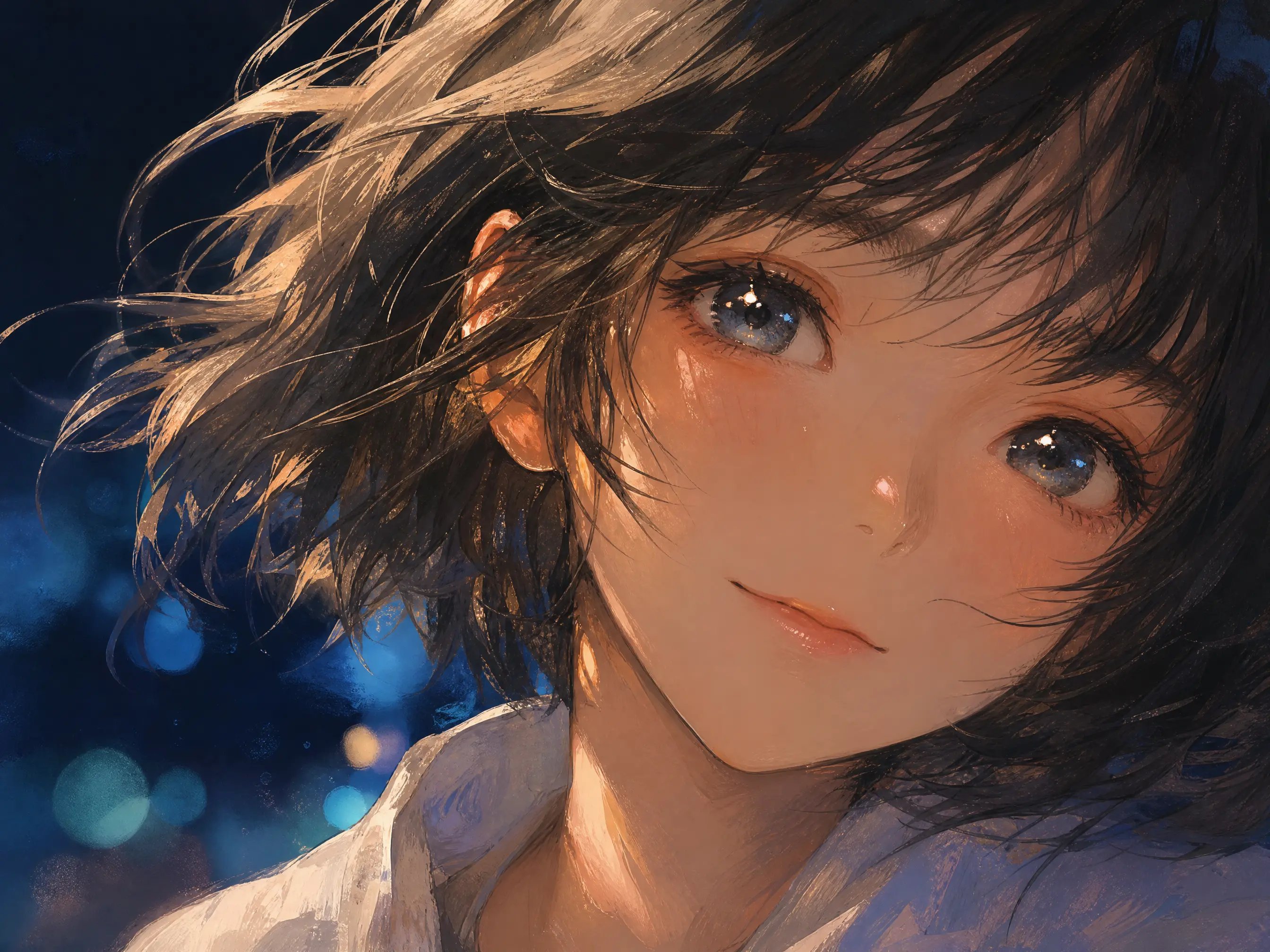
Keep the subject prominent and clear
When the subject is too small or hard to distinguish, the model may miss the focal point and the motion turns chaotic. Make sure your subject fills enough of the frame.
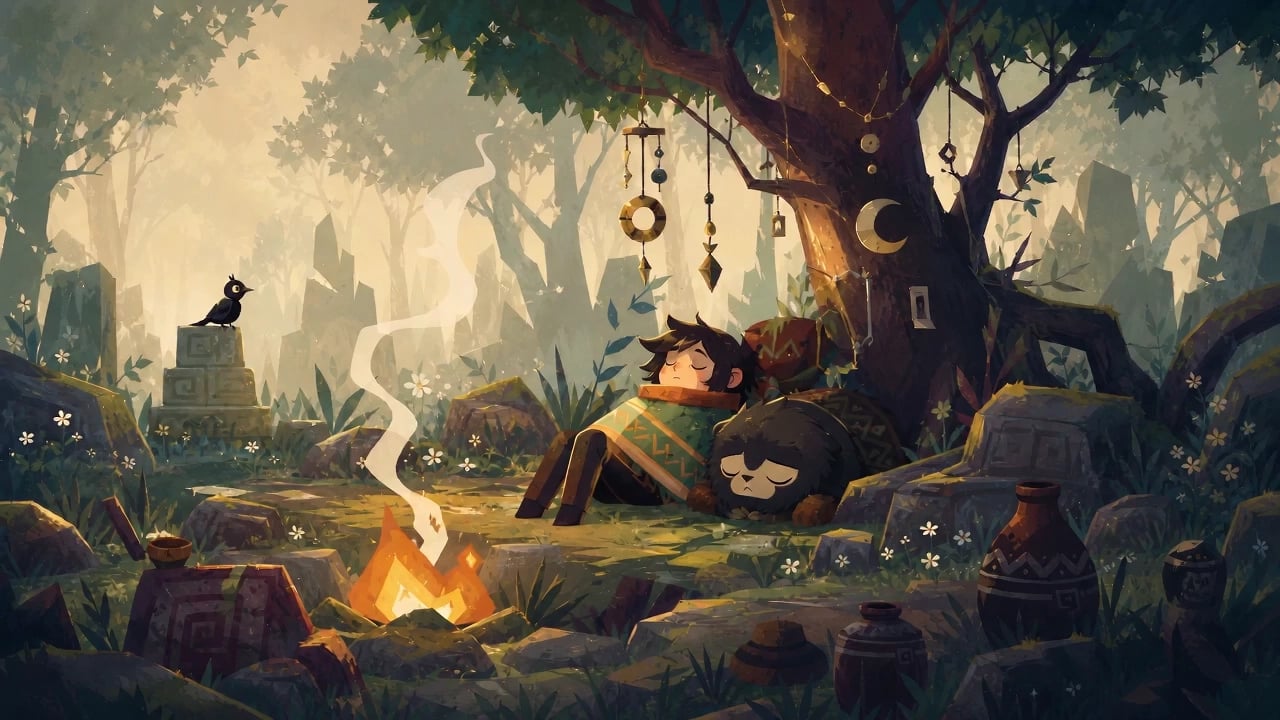
Keep motion prompts simple and focused
Overly complex prompts pull the model in too many directions. Describe one clear action with simple camera language, then iterate. Short prompts usually produce the most coherent movement.
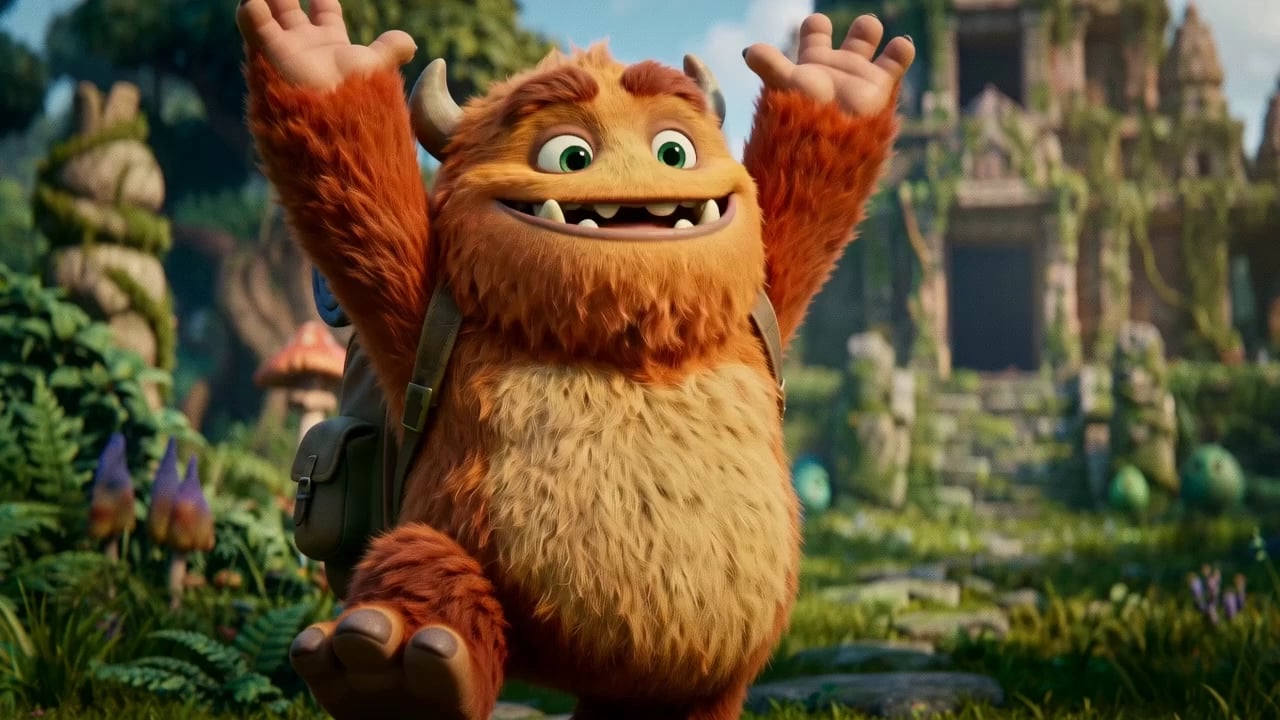
Pick the right model for your style
Every image to video model has its own strengths. Some excel at realistic motion, others at anime or stylized art, so try the same image on two models and keep the better one.
Run every leading model through the AI image to video generator without paying for a separate subscription for each. New ones arrive as soon as they ship.
Start with no video experience at all. The AI image to video generator handles the timing, the frames and the render, so all you bring is a picture and a sentence.
Drop in a photo, an illustration, or a product shot. JPG, PNG, and WebP all work. No picture you like yet? Generate one with the built-in image models, then bring it straight into video.
You are describing movement, not the whole scene, so one line does it: slow push in as the light shifts. Set the clip length and aspect ratio, then pick the model that suits your style.
A few minutes later the clip is ready, with ambient sound generated alongside the picture. Run another take if you want a different one, then download in HD without leaving the page.
Quick answers about generating videos from images.
Start with a prompt. Choose any of the leading models, run as many takes as you need, and download the one you want in HD. No credit card required to begin.